Top 5 UI/UX Trends for 2024: Elevate Your Web Projects
A sharper look at the visual and interaction trends that feel current without turning your product into another generic template.
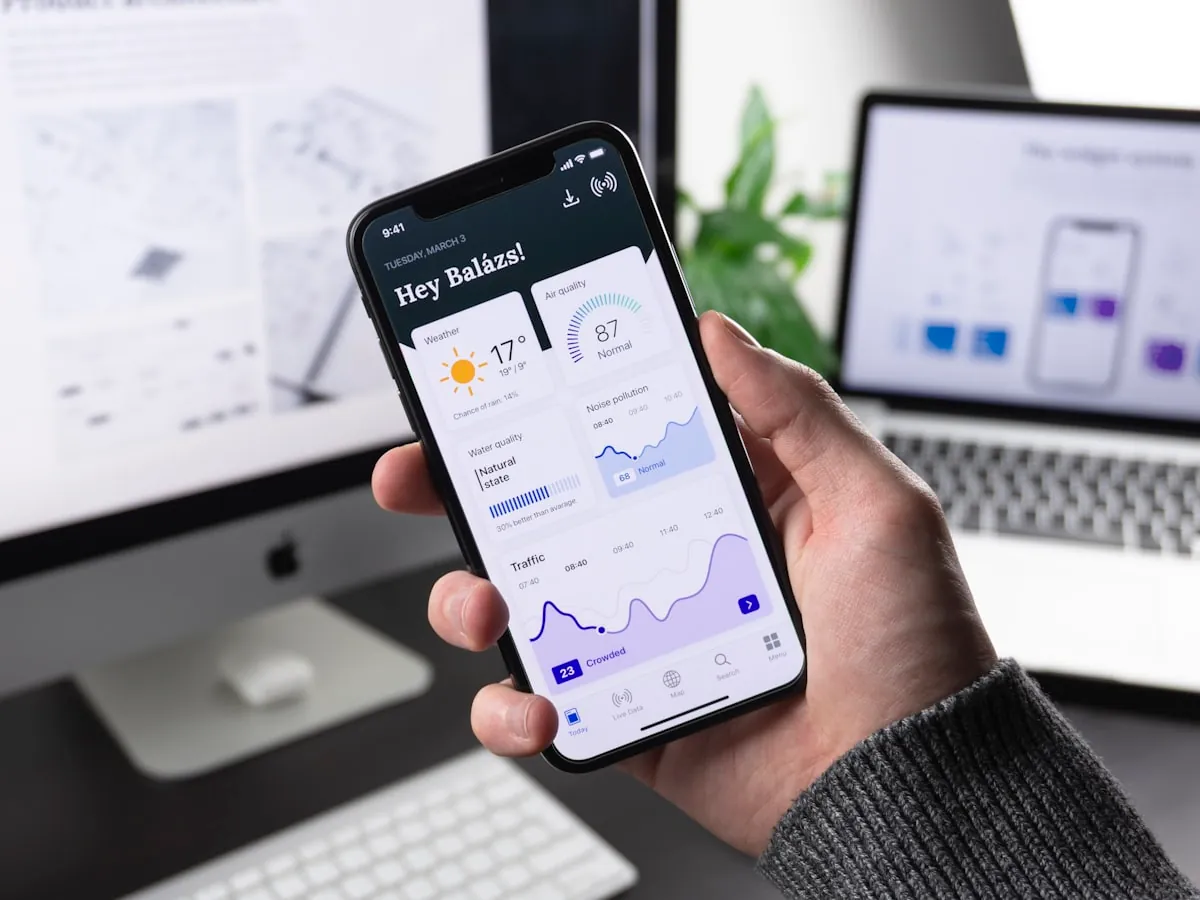
Staying ahead of UI/UX trends is essential for creating engaging, accessible, and modern web experiences. Here are the top 5 trends for 2024 that will help you elevate your web projects and delight your users.
1. Micro-Interactions & Animation
Subtle animations and micro-interactions provide instant feedback and make interfaces feel more dynamic. In 2024, expect to see more creative use of motion to guide users and enhance usability.
2. Dark Mode & Color Accessibility
With more users preferring dark mode, accessible color palettes and contrast ratios are a must. Modern web projects should offer reliable theme switching and prioritize readability for all users.
3. Minimalism & Whitespace
Clean, minimalist designs with generous whitespace improve focus and reduce cognitive load. This trend continues to dominate, making content easier to consume and interfaces more elegant.
4. Personalization & Adaptive Interfaces
Personalization is key to user engagement. Adaptive interfaces that respond to user preferences, behavior, and device context create more meaningful experiences.
5. Inclusive & Accessible Design
Accessibility is no longer optional. Designing for all users, including those with disabilities, is a top priority. Use semantic HTML, ARIA roles, and test with real assistive technologies.
Ready to Elevate Your Web Projects?
Implement these UI/UX trends in your next project to create modern, accessible, and engaging web experiences.
Let's Work TogetherInternal resources
Helpful next clicks for readers and search engines
These internal links keep the topic cluster tighter and move readers toward the next article, service, or conversion path that fits their intent.
Related guide
Web development trends influencing product UX
A useful companion if readers want to connect interface trends with broader changes in how digital products are built.
Open resourceNext step
Review product and interface work in the portfolio
See how design choices translate into shipped pages, product systems, and frontend execution quality.
Open resourceService
UI/UX design services for conversion-focused products
A documented type scale, page structure decided by task, and interaction states written for implementation.
Open resourceCommon questions
Questions readers also ask
This section targets the follow-up questions people search after reading the main article and gives the page more long-tail topical coverage.
Which UI and UX trends actually improve conversions?
The best trends improve clarity, trust, hierarchy, and ease of action rather than adding novelty that makes the interface harder to use.
How do you adopt design trends without hurting usability?
Use trends selectively, test them against real tasks, and keep interaction patterns familiar enough that users do not need to relearn basic behavior.
Design That Converts
If your product needs a stronger visual system and sharper UX,let's redesign it properly.